
As the university, we only create your account. For all other support, please visit the Office link.
You can access your e-mail address information via Mebis. E-mail addresses are assigned by the system in the format name.surname; however, in the case of identical names, the system assigns automatic numbering.
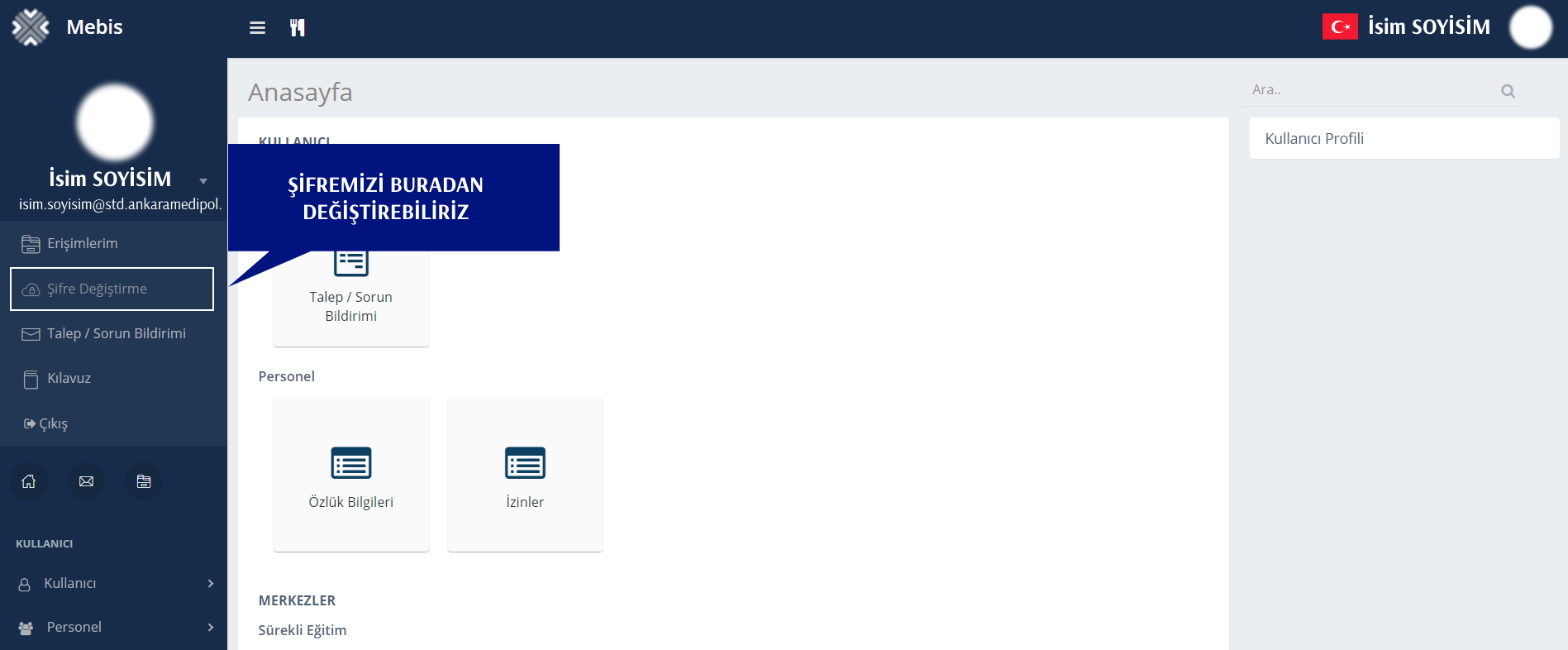
You can change it from the “Change Password” tab in your profile on Mebis:
No.
To spare you the hassle of multiple usernames and passwords, we have implemented single sign-on (SSO) with one username and one password. Your password is the same as your Mebis password.
You can create a new password by clicking the "Forgot my password" button on the Mebis login page; your e-mail password will be changed automatically as well.
Unfortunately, this is not technically possible at the moment. You can only log in to Mebis with your e-Government (e-Devlet) password.
Unfortunately not. In order to offer this service to the students who come after you, we have to close your account. Your account will be closed and deleted one month after your graduation or withdrawal from the university. We will send you a notification before your account is closed.
You can use OneDrive on your personal computer, through the app on your phone, or on the web.
The service provided includes information security mechanisms. However, no security solution can guarantee 100% security. We recommend that you do not open e-mails from unknown senders and that you pay attention to information security warnings.
You can submit an e-mail account closure request via the Request/Issue section on Mebis.